Manage contacts
How contacts are created from inbound activity and how to browse them.
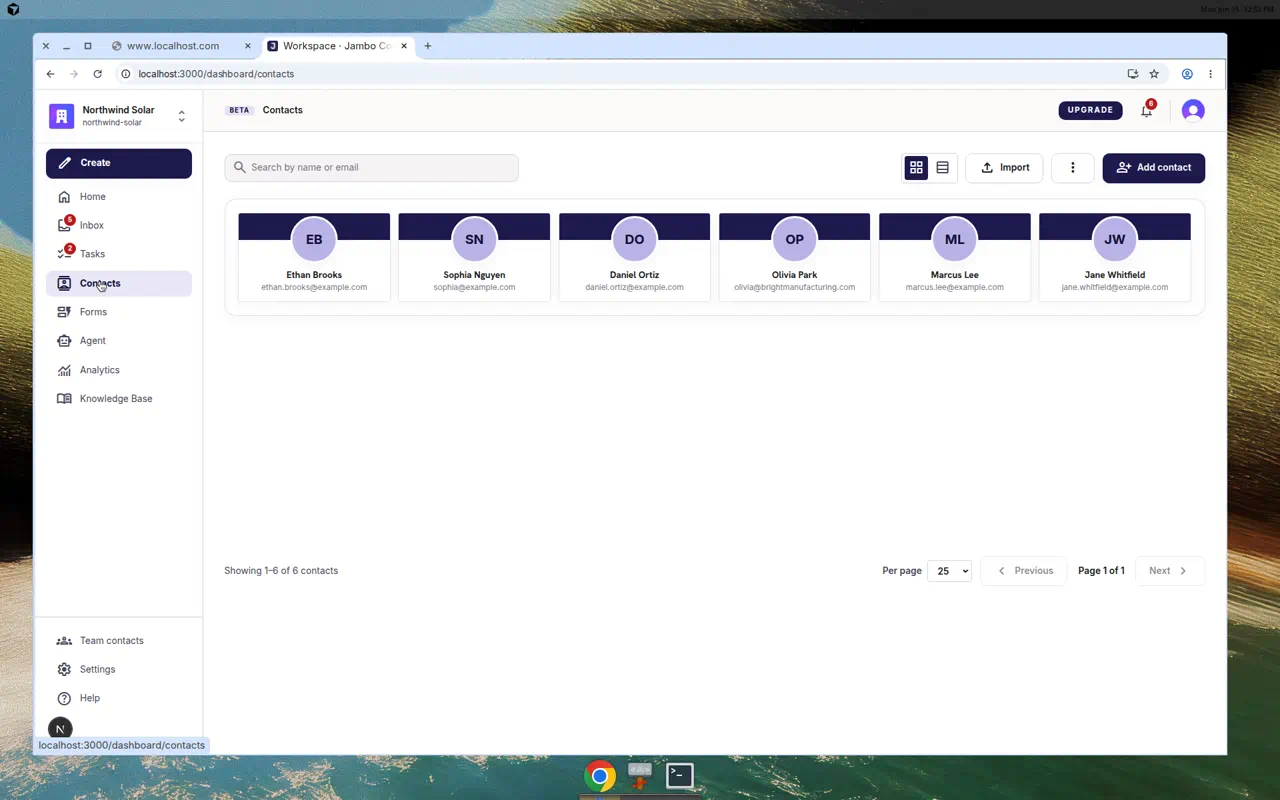
Contacts are the people who have reached out to you. They are created automatically the first time someone submits a form or emails your workspace, and they stay linked to the conversations and leads they generated.
What you can do
- Open Contacts from the left navigation to browse everyone who has contacted you.
- Open a contact to see their details and related conversations.
- Contacts are matched by email/phone so repeat submissions attach to the same person instead of creating duplicates.
Contacts (people who contacted you) are different from Team contacts (your internal routing directory). For the latter, see Team contacts & routing targets.
More in Inbox, contacts & tasks