Native integrations
Connect ActiveCampaign and Google Sheets from your dashboard, with field mapping and event filters.
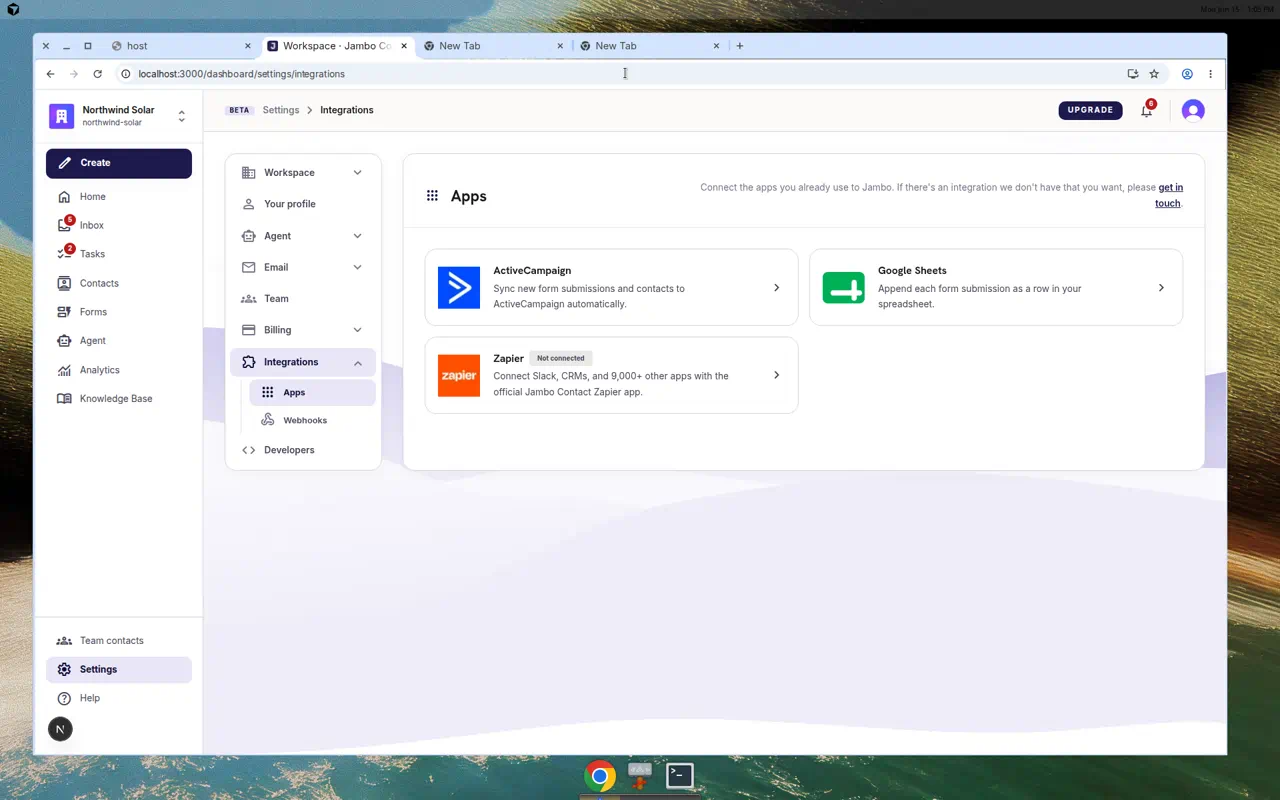
Native integrations are first-party connectors managed entirely from your dashboard under Settings → Integrations → Apps. They translate Jambo events into provider API calls and reuse the same retry/auto-pause behavior as webhooks.
Available connectors
| Provider | How you connect | What it does |
|---|---|---|
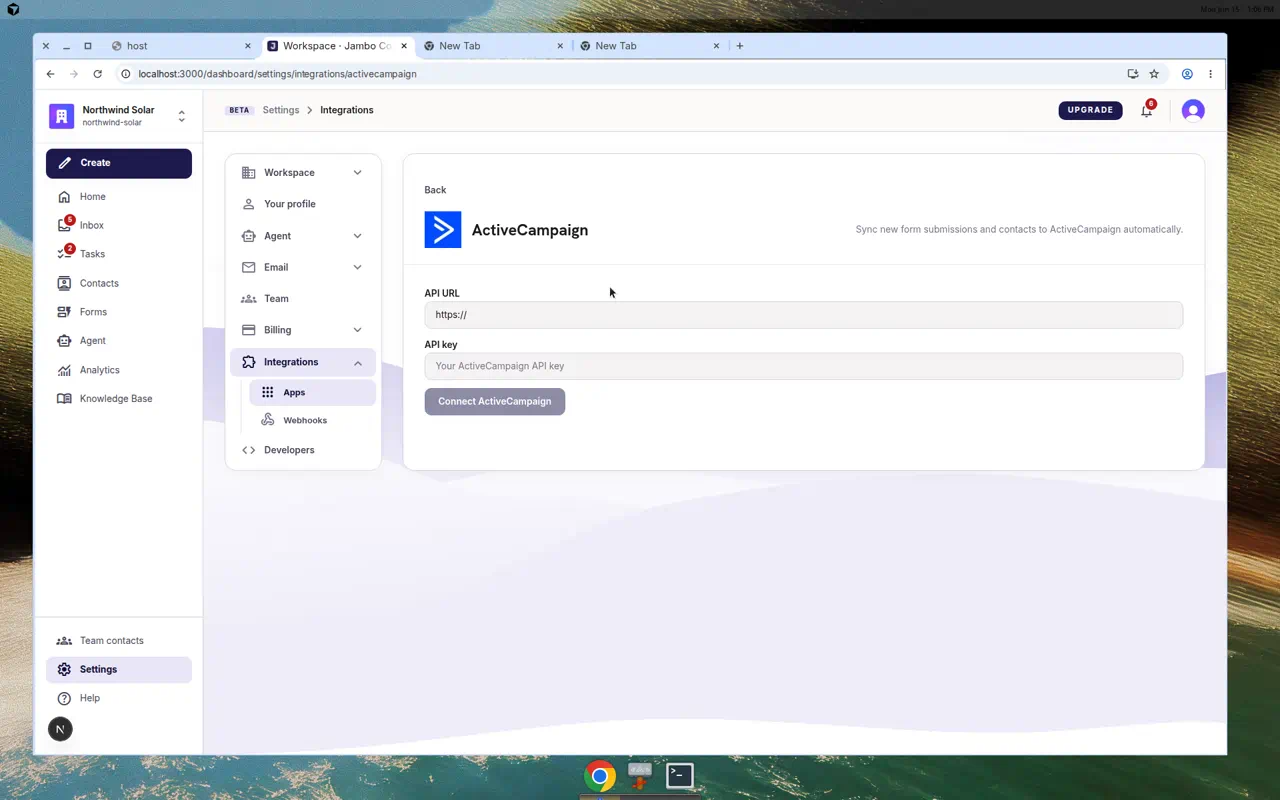
| ActiveCampaign | API URL + API key | Syncs contacts (with list, tags, notes, and field mapping). |
| Google Sheets | Google sign-in (OAuth) | Appends a row per event to a spreadsheet/tab you pick. |
Connect a provider
- Open Settings → Integrations → Apps.
- Choose the provider card and connect (enter credentials for ActiveCampaign, or authorize Google for Sheets).
- Pick the destination (list/audience for ActiveCampaign; spreadsheet + tab for Sheets).
- Choose which events the connection should subscribe to.
- Map form/contact fields to the provider's fields where applicable.
Delivery & reliability
- Deliveries run in the background and retry on transient failures (5xx, 429, timeouts).
- After repeated failures a connection auto-pauses so it stops generating errors.
- You can review and replay deliveries from the integration's delivery log.
Need a provider that isn't listed? Use Zapier or a custom webhook in the meantime.
More in Integrations & developers