Use the agent assistant
Chat with the workspace AI copilot to take actions like sending email, importing team contacts, or editing a form — with approval gates.
The Agent screen is an interactive copilot for your workspace. It can use tools to take real actions, and it asks for your approval before anything consequential happens.
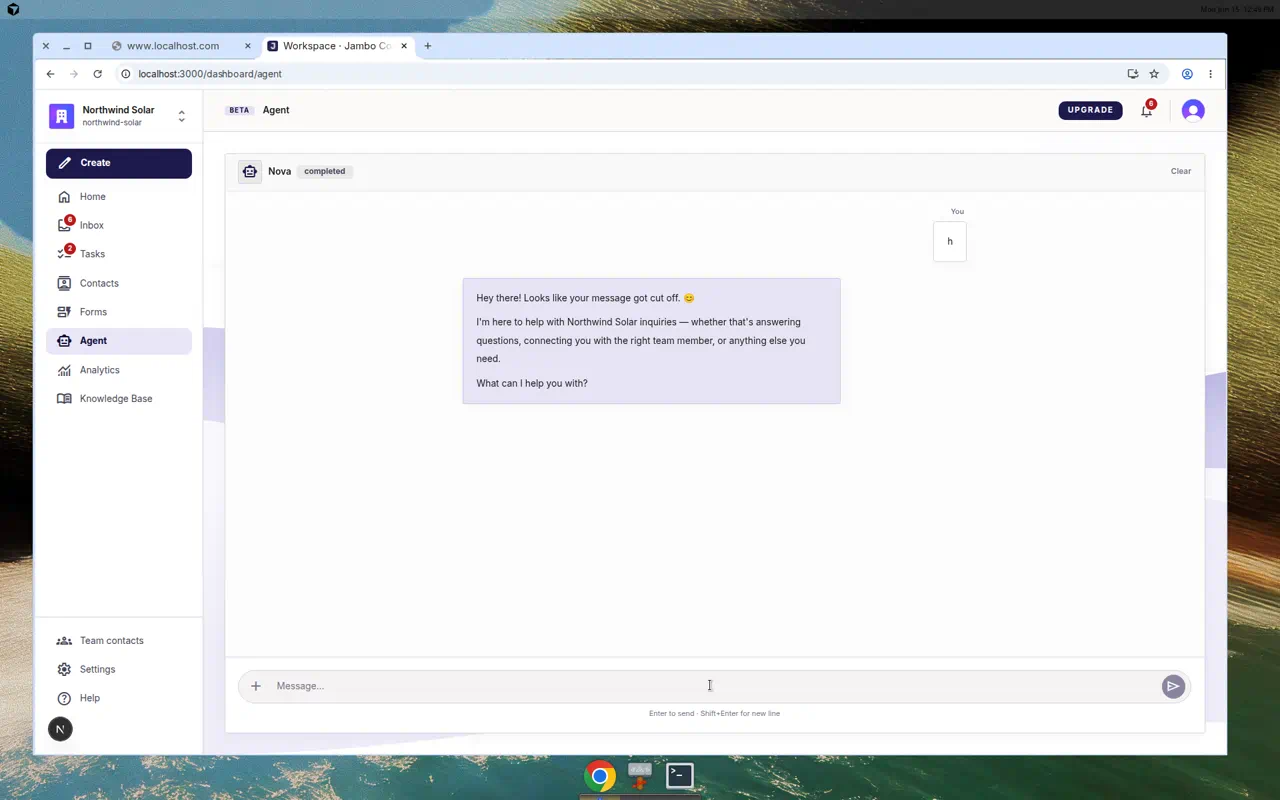
Chatting with the agent
- Open Agent in the left navigation.
- The header shows the agent's name and portrait (from Settings → Agent), a run status, and sometimes a KB: N chunks indicator showing knowledge availability.
- Type a message and send. You can attach context files.
- While it works, a Stop run button is available. Use Clear to start a new conversation.
Approvals
When the agent wants to do something that changes data or sends a message, it shows an Approval required card:
- Email send — previews To, Subject, and the body. It "sends only after approval."
- Team contact import — shows a table of contacts to add.
- Form spec changes — shows the proposed changes.
Click Apply changes to proceed or Cancel to discard. You cannot continue chatting until you resolve the pending request.
The assistant is a copilot for you — distinct from the per-form automations that run on real submissions and from the workspace agent personality settings.
More in AI agent & automation